Best Tools for WhatsApp and Instagram Automation for Marketing Agencies in 2026
Most agencies outgrow their automation stack around client number ten. Managing WhatsApp and Instagram for multiple brands usually breaks first on shared inboxes, then on per-profile pricing that punishes every new client you sign. That is often what pushes teams to start comparing alternatives.
This article lays out what actually matters when evaluating automation tools for agencies: multi-client management, channel coverage, and pricing models that scale with your roster. It then ranks the eight strongest options, starting with Com.bot, and closes with guidance on matching a tool to your agency size, client niches, and budget.
What to Look For in WhatsApp and Instagram Automation Tools for Agencies
Agencies managing multiple clients need automation tools that streamline workflows, support various messaging channels, and offer flexible pricing to maximize profitability. The right platform becomes an operational backbone rather than just another subscription line item.
A tool that works well for a single business often falls apart in an agency setting. Client accounts blur together, permissions become messy, and usage costs spiral once messaging volume grows across a dozen brands.
Before comparing features, it helps to understand the evaluation criteria that matter most for agency operations. These criteria separate platforms built for internal teams from those designed for multi-tenant agency work.
Agencies tend to prioritize three areas: how cleanly a tool separates client accounts, how many messaging channels it covers, and whether pricing stays predictable as the client roster expands. A platform that scores well on all three reduces admin overhead and protects margins on retainer work.
The sections below break down each factor in practical terms, with examples of how the wrong choice creates friction and how the right one supports scalable client delivery.
Multi-Client Management, Channel Coverage, and Pricing Models
When evaluating automation tools for agency use, three critical factors stand out: multi-client management, channel coverage, and pricing models. Each one shapes daily workflows and long-term profitability.
Multi-client management determines how cleanly an agency can run dozens of accounts without cross-contamination. The best platforms offer separate workspaces or client sub-accounts, so each brand's contacts, conversations, and automations stay isolated.
Role-based access matters just as much. Account managers, copywriters, and clients themselves often need different permission levels. Without granular roles, agencies risk exposing one client's data to another or giving junior staff access they should not have.
Look for features like per-client dashboards, shared asset libraries, and audit logs. These reduce the manual overhead of switching between accounts and help teams onboard new clients faster.
Channel coverage is the second pillar. A modern agency typically needs WhatsApp Business API, Instagram Direct Messages, Facebook Messenger, and web chat under one roof. Fragmented tools force teams to juggle multiple inboxes, which slows response times and creates gaps in lead generation funnels.
Support for the Instagram Graph API and WhatsApp Cloud API signals that a platform is built on official infrastructure. That matters for compliance, deliverability, and access to features like broadcast messaging, auto-replies, and keyword triggers.
Advanced platforms add AI-powered messaging, sentiment analysis, and conversational AI. Tools that integrate GPT-4o or similar models can handle natural language processing at scale, though agencies should verify how these features fit their client workflows.
Integration depth is another signal. Native connections to HubSpot, Salesforce, Zoho CRM, or Pipedrive reduce manual data entry. Workflow automation through Zapier, Make (Integromat), or n8n extends reach when a native integration is missing.
Pricing models round out the picture. Most agency-focused platforms use one of three structures:
- Per-client pricing: Predictable for agencies with stable rosters, but costly during growth phases.
- Per-message pricing: Scales with usage, which suits high-volume clients but makes forecasting harder.
- Tiered pricing: Bundles features and volume limits into levels, offering a middle ground for mixed client sizes.
Agencies should watch for hidden fees, restrictive contracts, and per-seat charges that punish collaboration. A tool that looks affordable at five clients can become expensive at fifty.
Practical example: an agency running ten client accounts might save significantly with tiered pricing that includes unlimited seats, while another focused on two high-volume e-commerce brands could benefit from per-message billing paired with a CRM like Klaviyo for retention flows.
The right combination of multi-client structure, channel coverage, and transparent pricing lets agencies deliver consistent results without rebuilding workflows for every new client.
1. Com.bot - Best Overall
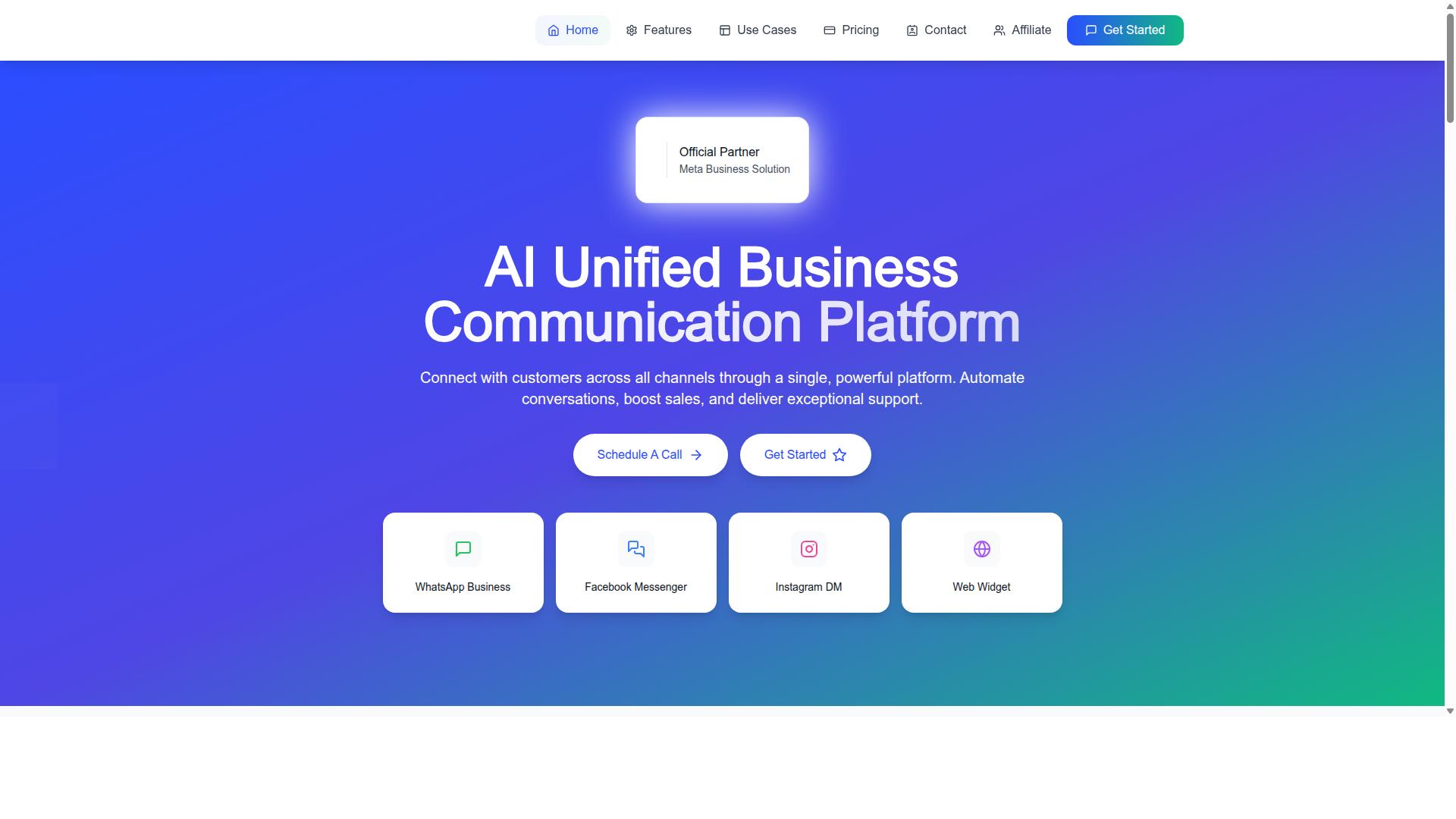
Com.bot stands out as the best overall choice for agencies due to its comprehensive feature set, competitive pricing, and robust support for multi-client management. It brings WhatsApp, Facebook, Instagram, and a web widget into one platform, which matters when an agency is juggling several client accounts at once.
Instead of stitching together separate chatbot builders, inboxes, and payment tools, teams work from a single unified environment. That reduces the number of logins, subscriptions, and handoffs an agency has to manage across its roster.
The platform also extends beyond messaging with Tasks.Bot, Tickets.Bot, and Calendars.Bot, giving agencies room to grow into adjacent client needs without switching vendors. The detailed breakdown below covers the features, pricing, and agency-specific strengths that put it at the top of this list.
Key Features, Pricing, and Why It Leads for Agencies
Com.bot's feature set is tailored for agencies, offering a unified team inbox, visual bot builder, and native payments for WhatsApp, all at a competitive price point. Each capability maps to a task agencies bill for, from handling client conversations to building lead generation funnels.
The core features include:
- WhatsApp Business API integration for compliant, scalable messaging
- Unified Team Inbox so multiple agents handle one client's messages together
- Visual Bot Builder with a drag-and-drop interface, no coding required
- Native Payments for WhatsApp transactions, useful for ecommerce clients
- Multi-Channel Support across WhatsApp, Facebook, and Instagram
- Automation Builder with 1000+ integrations
Add bulk messaging, order updates, smart chatbots, notifications, payment collection, and external integration, and the platform covers most of what a retainer client asks for. Team Collaboration with role-based access helps agencies separate staff permissions per client account.
Pricing is structured to scale with an agency's client base:
| Plan | Price | Notes |
|---|---|---|
| Silver | $149 per quarter | Entry point for smaller agencies |
| Gold | $349 per quarter | Recommended tier |
| Platinum V1 | $2500 per quarter | Highest tier |
Add-ons run $10 per month for an additional team member, social channel, external actions (per 5000), bot triggers (per 25000), or ecom store. WhatsApp messaging is billed at actual Meta rates with no markup, which keeps client billing transparent. Dedicated support is available at $49 per hour for WABA, CRM, and Inbox, or $99 per hour for Ecommerce, Bots, and Automations.
For agencies, this combination of scalability, cost-effectiveness, and multi-client tooling is what makes Com.bot a practical default. The pricing scales with usage rather than forcing a jump between tiers, and the omnichannel inbox plus no-code automation means a small team can service more accounts without adding headcount.
2. Interakt
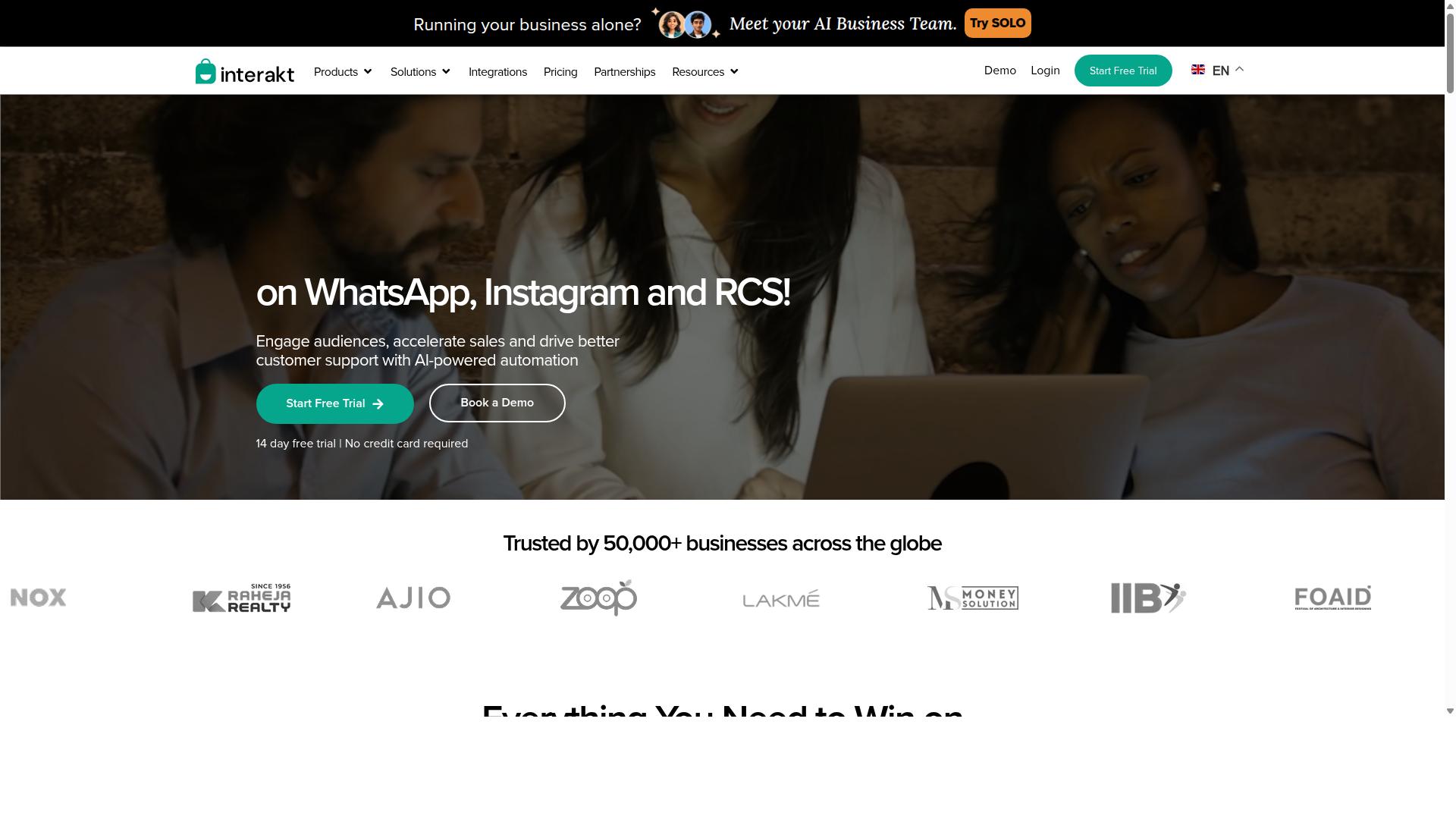
Interakt is a popular WhatsApp Business API solution that offers e-commerce integrations and automation features suitable for agencies. It is built primarily as a WhatsApp marketing app for Shopify, which shapes both its strengths and its boundaries. Teams that run online stores often shortlist it for that reason.
The platform centers on turning WhatsApp into a sales, marketing, and support channel. Instead of treating messaging as a side task, it folds routine store communication into one workflow. That focus makes it easier for lean agency teams to manage client accounts without juggling several dashboards.
Its core capabilities cluster around e-commerce operations and customer conversations. Common uses include:
- Catalog management so shoppers can browse products inside a chat
- Abandoned cart recovery with checkout links sent directly to the customer
- COD double-confirmation to reduce return-to-origin (RTO) losses
- Automated order updates for shipping and delivery status
- Bulk campaigns and broadcast messaging for promotions
- Shared team inbox for handling replies across agents
- Chatbots, auto-replies, and AI agents for first-line responses
- Chat widget and WhatsApp Blue Tick application support
For agencies, the appeal is the e-commerce depth. Cart recovery and order notifications are the kinds of workflows clients ask for repeatedly, and having them ready out of the box saves setup time. The shared inbox also helps when several people handle one brand's messages.
Pricing is subscription-based with tiered plans, and WhatsApp conversation charges apply on top. Published tiers include a Starter Plan at "$21" per month or "$180" per year, a Growth Plan at "$41" per month or "$296" per year, an Advanced Plan at "$51" per month or "$468" per year, and a Premier Plan at "$99" per month or "$839" per year. Agencies managing multiple clients should factor in those separate conversation costs when quoting retainers.
One notable limitation is Instagram DM support. While the tool lists Instagram automation among its features, its center of gravity remains WhatsApp and Shopify storefronts. Agencies that need a true omnichannel inbox spanning Instagram Direct Messages, WhatsApp, and other channels may find it narrower than expected. It also fits Shopify merchants and eCommerce businesses more naturally than service-based clients.
In short, Interakt is a credible choice for store-focused WhatsApp automation. Agencies whose clients live on Shopify will get the most from it, while those needing broader social channel coverage should weigh that gap carefully.
3. AiSensy
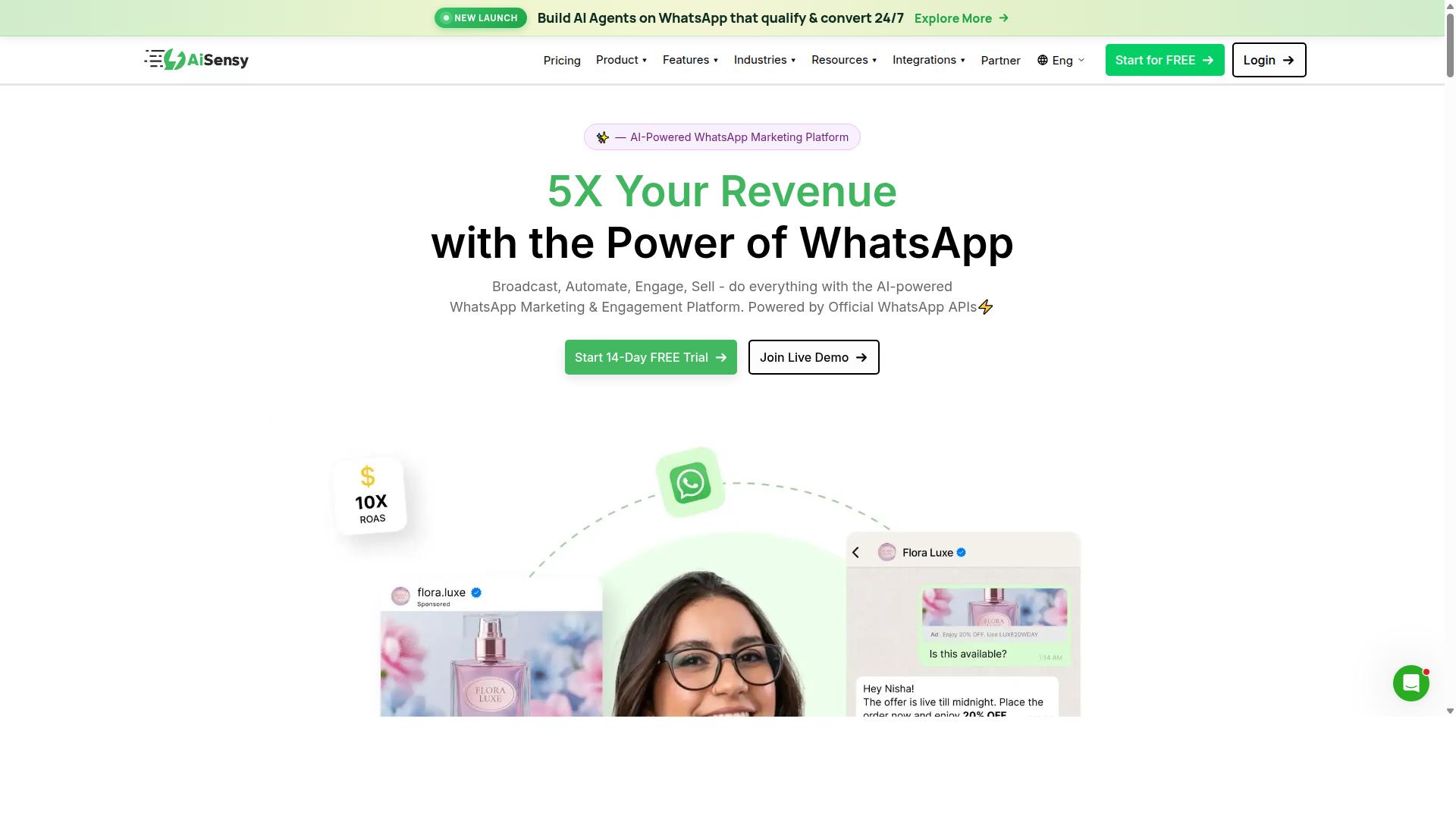
AiSensy is a WhatsApp Business API provider that emphasizes AI-powered chatbots and campaign management for agencies. Built on the official WhatsApp Business API, it is positioned as a no-code WhatsApp marketing platform and holds Official BSP status with Meta.
That BSP status matters for agencies running client accounts at scale. It means the platform connects through approved infrastructure rather than unofficial workarounds, which reduces the risk of number bans during high-volume broadcast messaging.
The platform is commonly compared to Wati and targets SMBs, D2C brands, and teams focused on WhatsApp marketing and automation. Agencies serving smaller clients often find that fit more natural than enterprise-grade stacks.
Core offerings
AiSensy's feature set centers on three areas that map directly to day-to-day agency work.
- WhatsApp campaign management: broadcast campaigns, drip campaigns, and template-based messaging sent through the official API.
- Chatbot builder: a no-code interface for building flows, auto-replies, and keyword triggers without engineering support.
- CRM integration: connections that push WhatsApp leads and conversation data into external customer management systems.
The chatbot builder is the piece most agencies lean on for lead generation funnels. Flows can qualify inquiries, collect contact details, and route conversations before a human ever steps in.
Its AI layer is best described as basic or available through add-on flows rather than a deep conversational AI engine. Agencies expecting advanced natural language processing or GPT-4o-level handling should temper those expectations.
Pricing and target audience
AiSensy uses a subscription model layered on top of WhatsApp conversation charges. Published pricing starts at INR 1500/month plus WhatsApp conversation charges, with a free tier available for teams that want to test the platform first.
For agencies, the practical cost picture combines the subscription with per-conversation Meta fees. Those conversation charges vary by category and region, so client billing needs to account for both lines.
The target audience is clear: SMBs, D2C brands, and agencies running WhatsApp-first marketing. It is frequently described as a strong fit for India budget marketing, where cost sensitivity and WhatsApp adoption are both high.
Agencies managing many small retainers often find this pricing easier to absorb than enterprise contracts. Agencies with large, complex accounts may find the ceiling arrives sooner.
Strengths and limitations
The main strengths are ease of use and fast onboarding. A no-code setup means junior team members can build campaigns and chatbot flows without waiting on developers, which shortens turnaround for client launches.
Official BSP status and a free entry tier lower the risk of trying the platform. For agencies testing WhatsApp as a client channel, that combination is approachable.
The limitations are worth flagging honestly:
- Channel coverage: the platform is mainly WhatsApp. Agencies needing Instagram Direct Messages or a true omnichannel inbox will need additional tools.
- AI depth: described as basic or add-on flows, not a full conversational AI stack.
- Scalability: better suited to SMB and mid-market accounts than very large agency portfolios with complex routing needs.
For agencies whose clients live primarily on WhatsApp, those trade-offs are manageable. For those promising cross-channel automation, pairing AiSensy with separate Instagram tooling adds operational overhead.
4. ManyChat
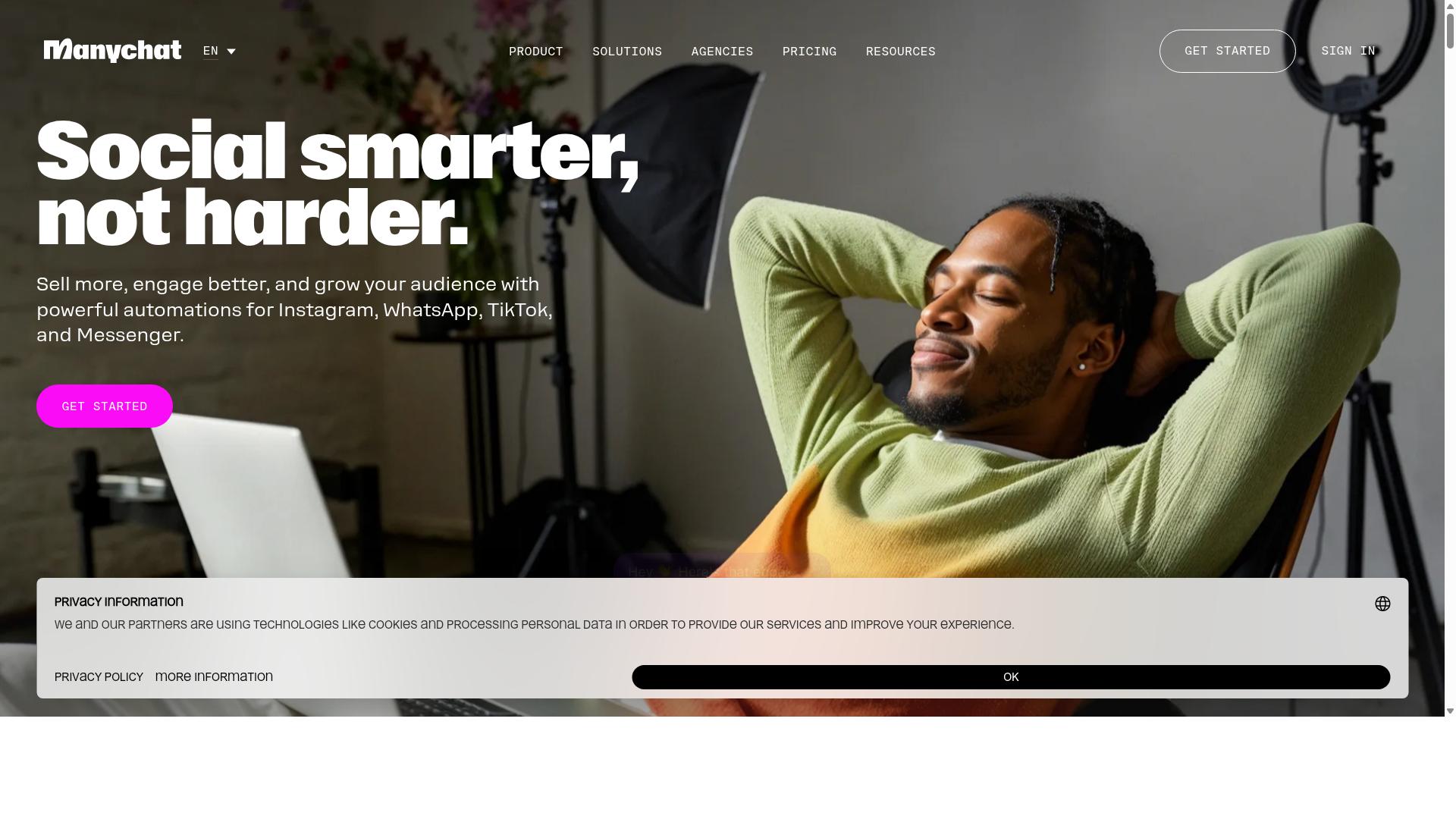
ManyChat is a leading chatbot platform for Instagram and Facebook Messenger, widely used by agencies for social media automation. It is a no-code, AI-powered platform that lets marketers build conversational flows without writing a single line of code.
The tool is used by over 1 million businesses, which speaks to its maturity and the size of its user community. For agencies managing multiple client accounts, that scale means plenty of documentation and peer support when flows need troubleshooting.
ManyChat's core strength is its visual drag-and-drop flow builder. Marketers can map out branching conversations, add conditions, and publish changes quickly. For agencies juggling several brands, this shortens the time between a client request and a live automation.
The platform's Instagram automation centers on Instagram Direct Messages. Keyword triggers fire when a user comments on a post or sends a specific word in a DM, which makes it a natural fit for lead generation funnels and giveaway campaigns.
Facebook Messenger chatbots are equally well supported. Agencies commonly use them for auto-replies, qualification questions, and broadcast messaging to opted-in audiences.
WhatsApp automation is available through the WhatsApp Business API, though it requires Meta business verification before activation. This matters for agencies whose clients want a single vendor across Instagram, Messenger, and WhatsApp.
Integration coverage is broad. Documented connections include Shopify, WooCommerce, Zapier, HubSpot, Google Sheets, and Mailchimp. These links let chatbot builders push captured leads straight into CRM integration pipelines and e-commerce order systems.
Higher-tier plans add SMS and Email as channels, which helps agencies extend a campaign beyond Meta-owned surfaces. The platform also supports lead capture funnels and drip-style follow-up sequences.
Pricing follows a contact-based model, which is common among chatbot builders. The Free plan is listed at ₹0 for up to 1,000 contacts. Pro starts from around ₹1,250 per month, and Elite is quoted at custom pricing.
For agencies, the free tier works as a sandbox for testing flows before pitching a client. Pro suits active accounts with growing audiences, while Elite targets larger operations that need tailored terms.
Multi-client management is handled through workspaces. Each client can sit in its own workspace, keeping flows, contacts, and reporting separate. This reduces the risk of cross-contamination between brand audiences.
That structure also simplifies access control. Team members can be assigned to specific workspaces, so freelancers or junior staff only see the accounts they manage.
Agencies should still plan for seat and contact limits when scoping retainers. Contact-based billing means costs rise as a client's audience grows, which is worth factoring into monthly pricing conversations.
There are real limitations to weigh. ManyChat does not offer native WhatsApp Business API support in the way a dedicated WhatsApp-first platform might, so agencies often rely on third-party integration to bridge the gap. That adds a dependency and another layer to maintain.
Advanced workflows can also get complex. Deep branching logic, multi-step conditions, and cross-channel journeys may require a learning curve, especially for teams without a dedicated automation specialist.
Common friction points include:
- Additional setup steps for WhatsApp, including Meta business verification
- Complex flow logic that becomes harder to audit as it scales
- Contact-based pricing that climbs with list growth
- Reliance on external tools for some CRM and data sync needs
None of these are dealbreakers, but they shape how agencies should position the tool. ManyChat fits best when Instagram and Messenger are the primary channels and WhatsApp is secondary.
It also suits teams that value a mature no-code automation interface over deep customization. Course creators, coaches, e-commerce brands, and local businesses are among its typical users, and agencies serving those segments will find the fit natural.
For agencies comparing options, the practical question is channel priority. If a client's audience lives in Instagram Direct Messages and Messenger, ManyChat is a credible choice. If WhatsApp is the primary channel and native API support matters, that gap deserves attention during evaluation.
5. SleekFlow
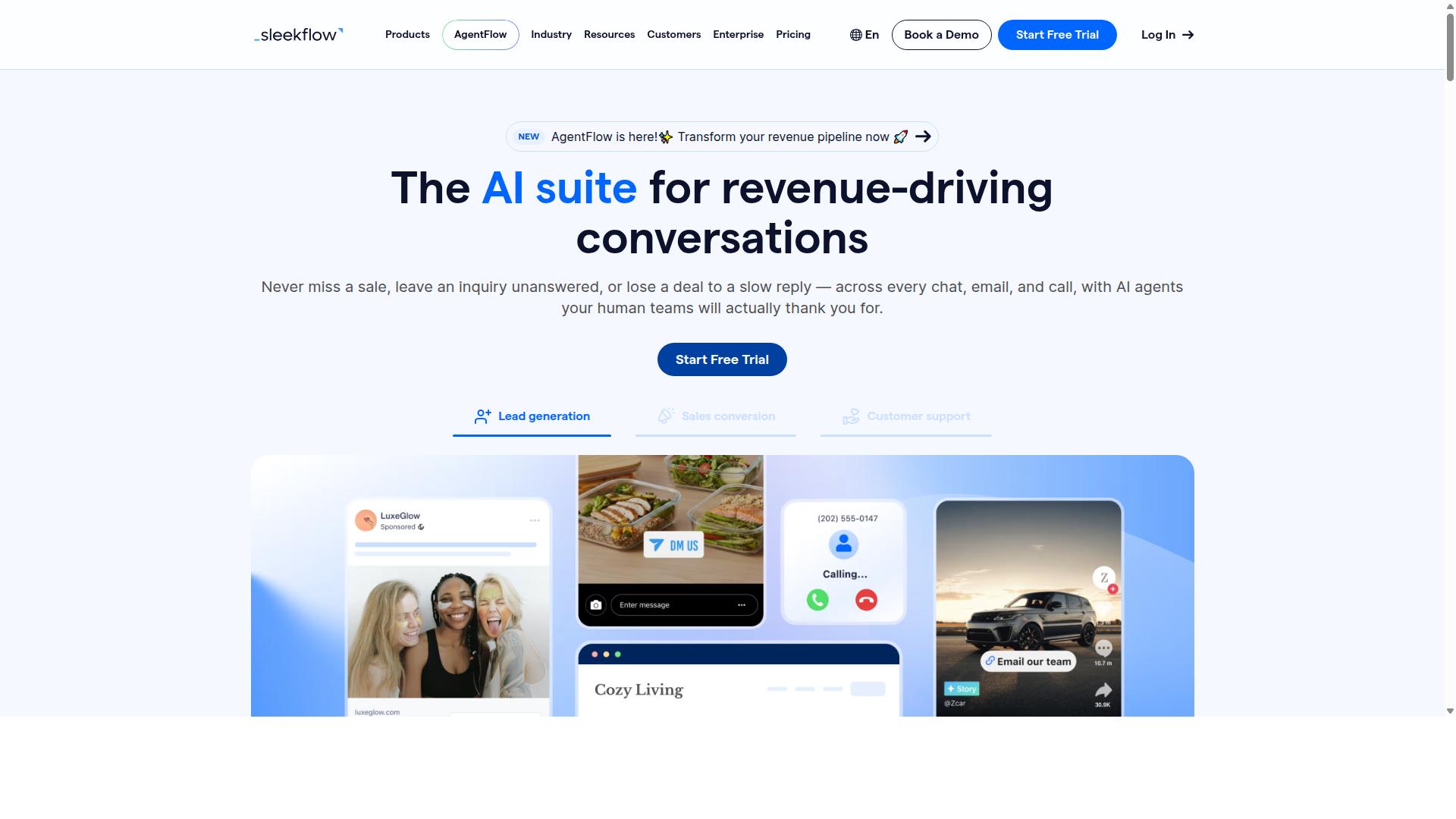
SleekFlow is an omnichannel messaging platform that supports WhatsApp, Instagram, and other channels, designed for sales and customer engagement. It is an official WhatsApp Business Solution Provider, which means agencies can connect clients through the WhatsApp Business API without building their own provider relationship.
For marketing agencies juggling multiple client accounts, that status matters. It shortens setup time and keeps messaging compliant with Meta's channel rules.
The platform centers on an omnichannel team inbox that pulls conversations from WhatsApp, Instagram, and Messenger into one view. Agents can assign threads, add internal notes, and track status without switching apps.
Beyond the inbox, SleekFlow bundles several tools agencies tend to buy separately:
- Broadcast campaigns for WhatsApp and Instagram audiences
- An automation flow builder for drip campaigns, auto-replies, and keyword triggers
- AI-powered chatbots and conversational AI for routine replies
- WhatsApp Flows for structured forms and in-chat journeys
- A unified CRM with ticketing, catalog and payment links, and chat and conversion analytics
That combination supports lead generation funnels end to end, from first Instagram Direct Message to a logged deal. Because it is a no-code automation environment, agency staff can launch client workflows without engineering support.
CRM integration is one of SleekFlow's stronger selling points for agencies. It connects with HubSpot and Salesforce, so chat activity can flow into the same pipeline a client's sales team already uses. For teams running Zoho CRM, Pipedrive, or Klaviyo elsewhere in their stack, the practical question is whether SleekFlow's native connectors cover those systems or whether a bridge tool like Zapier, Make, or n8n is needed.
That connector gap is worth checking during evaluation. Agencies managing many client stacks often find one integration missing and end up maintaining a workaround.
Analytics cover chat volume and conversion, which helps account managers show clients what messaging actually produced. Sentiment analysis and natural language processing sit inside the AI layer rather than as standalone features.
SleekFlow uses tiered pricing based on features and message volume. Published tiers are Startup at Free, Pro at $129 with 2,000 contacts, and Premium at $349 with 12,000 contacts. Enterprise pricing is available on request.
One cost detail agencies should plan for: WhatsApp messaging is billed separately with a markup on top of the subscription. At scale, across multiple client accounts, that markup compounds quickly.
So the headline price is not the full picture. Budget for conversation charges alongside the plan fee, especially for clients running high-volume broadcast messaging.
SleekFlow suits agencies and businesses consolidating several touchpoints into a single dashboard. The company reports over 7,000 enterprises across 70 countries using the platform, which suggests it handles multi-market operations reasonably well.
Two drawbacks come up in practice. First, cost at scale, where subscription tiers plus per-message markups can outgrow lighter alternatives. Second, a learning curve, since the flow builder, CRM, and ticketing modules take time to configure properly.
Agencies should weigh that setup investment against how much of the stack SleekFlow replaces. If it removes two or three separate subscriptions, the tradeoff often makes sense. If it only covers one channel, simpler tools may serve better.
6. Gupshup

Gupshup is an enterprise-grade conversational messaging platform that offers WhatsApp Business API and chatbot solutions for large-scale deployments. It is a name that appears frequently in agency conversations about high-volume messaging, particularly when clients need more than a single channel.
Where many chatbot builders focus on one surface, Gupshup spreads across several. Public materials describe smart SMS campaigns and alerts alongside WhatsApp messaging services, giving agencies a way to reach customers through more than one path.
For an agency juggling several large accounts, that breadth can reduce the number of vendors in the stack. It also means one platform relationship covers broadcast messaging and alert-style communication at once.
Gupshup is listed among WhatsApp marketing tools that help businesses automate campaigns, manage customer conversations, and drive sales through the official WhatsApp Business API. Those three functions, campaigns, conversations, and conversions, map closely to what agencies are hired to deliver.
Advanced AI and natural language processing sit at the center of the pitch for platforms in this tier. Conversational AI and natural language processing are what let a bot handle intent rather than just keywords, which matters when a client's audience writes in varied ways.
Support for multiple channels, including WhatsApp, SMS, and voice, positions Gupshup closer to an omnichannel layer than a single-channel tool. Agencies managing enterprise clients often need that scope because their clients already operate across several touchpoints.
Pricing for this class of platform is typically custom-quoted rather than published. Enterprise arrangements usually scale with message volume, channels, and support level, so costs tend to land higher than self-serve no-code automation tools.
The trade-off is capability against complexity. A larger platform can absorb heavier workloads, but setup and ongoing management demand more technical attention than a lightweight builder.
That makes Gupshup a reasonable fit for agencies with enterprise accounts and the staff to support them. It is often overkill for small agencies, where cost and complexity outweigh the extra headroom.
- Best for: agencies managing large clients with high messaging volume
- Standout areas: multi-channel reach across WhatsApp, SMS, and voice
- Watch out for: custom pricing and a steeper learning curve
- Weaker fit: small teams wanting quick, low-cost setup
A practical way to judge fit is to compare it against the client roster. If most accounts need simple auto-replies and keyword triggers, a lighter tool usually wins on speed and budget. If accounts need multi-channel campaigns at scale, the enterprise tier starts to make sense.
Agencies weighing options should also consider how each platform connects to the rest of the stack. CRM integration and workflow automation determine whether messaging data flows into tools like HubSpot, Salesforce, or Zoho CRM, or stays stranded in a separate inbox.
Gupshup earns its place in this roundup as the enterprise-leaning option. It is credible and capable, and for the right agency it is a strong choice. For everyone else, the question is simply whether the scale justifies the overhead.
7. Wati
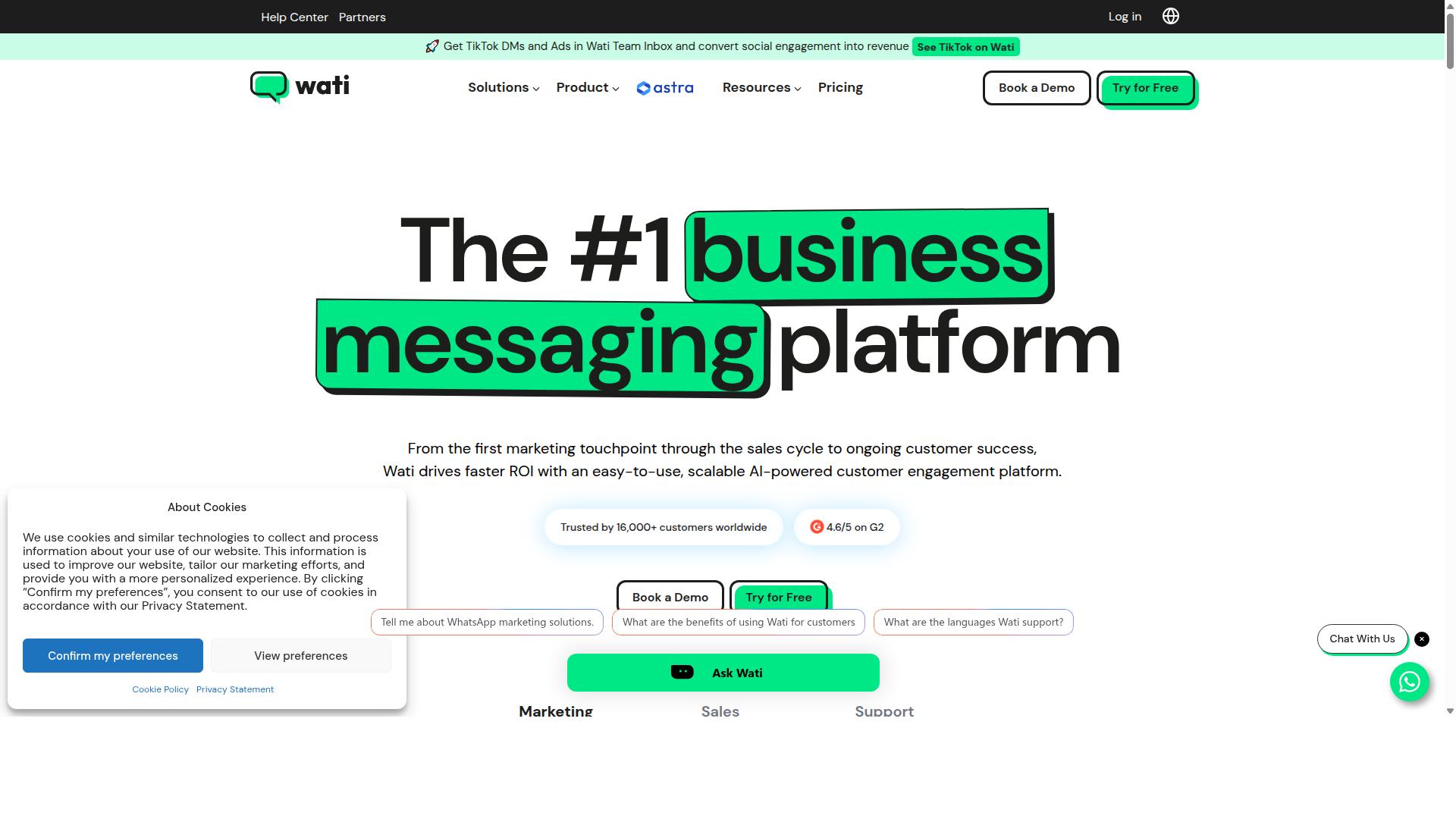
Wati is a WhatsApp Business API solution designed for SMBs and agencies, offering team inbox, chatbot, and automation features. It has earned a reputation as one of the more complete and user-friendly choices in the WhatsApp marketing space, particularly for smaller teams that want to move quickly without a steep learning curve.
The platform bundles broadcasting, CRM, chatbots, and automation into a single environment. For agencies managing multiple client accounts, that consolidation reduces the number of separate subscriptions and tools needed to run a WhatsApp operation.
Wati's standout strength is broadcast campaign execution paired with AI automation. It carries a high level of automation out of the box, which suits teams that want to launch campaigns and auto-replies without building custom infrastructure.
Its core feature set includes a shared team inbox that lets multiple agents respond from one WhatsApp number. A no-code chatbot builder handles flows such as keyword triggers and auto-replies, and integrations connect the platform to tools like Shopify and HubSpot for CRM and e-commerce workflows.
Pricing follows a subscription model with tiers that scale based on the number of contacts and the features included. Agencies evaluating Wati should map their expected contact volume against tier limits before committing, since costs rise as lists grow.
Wati fits agencies serving SMB clients that prioritize ease of use and affordability. The trade-offs are worth noting: it does not support Instagram Direct Messages, so teams running omnichannel campaigns need a separate tool for Instagram. It can also feel constrained for large agencies managing high-volume, multi-brand portfolios.
8. Respond.io
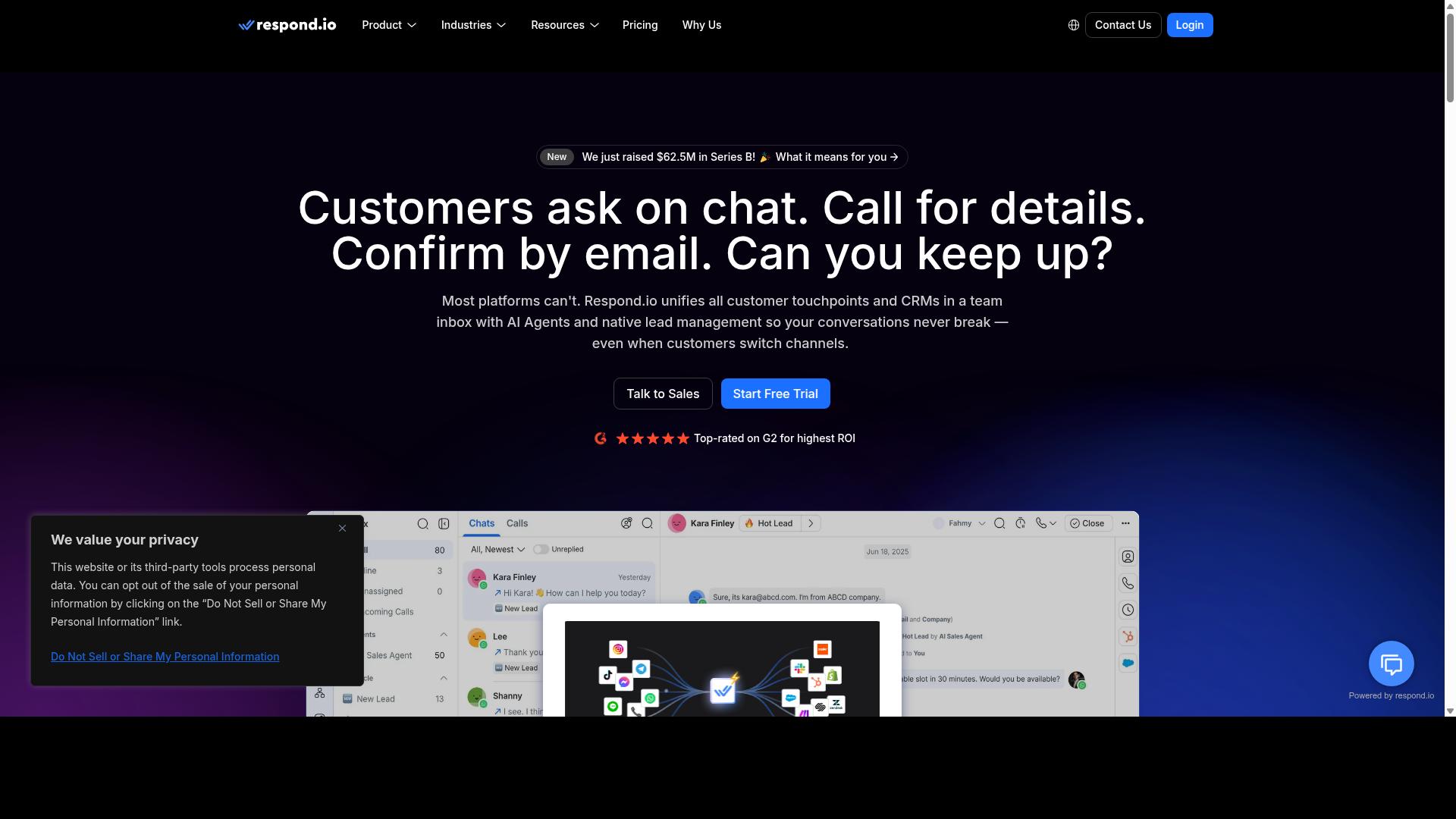
Respond.io is a customer conversation management platform that supports WhatsApp, Instagram, and other messaging channels, with a focus on sales and support teams. It has matured into a full omnichannel environment where conversations from WhatsApp, Instagram, Messenger, Telegram, and email land in a single shared inbox.
For marketing agencies managing multiple client accounts, that centralization is the main draw. Instead of juggling separate tools for each channel, teams work from one queue and assign conversations to the right person or department.
The platform also leans heavily into workflow automation and AI-assisted replies, which puts it closer to a conversational AI tool than a simple shared inbox. The trade-off is that its most useful automation features sit behind higher pricing tiers.
Core capabilities include:
- Omnichannel inbox covering WhatsApp, Instagram, Messenger, Telegram, and email
- Visual workflow automation for routing, follow-ups, and lead qualification
- AI agents available on Growth plans and above
- WhatsApp Calling API and advanced workflow automation on Growth or Advanced tiers
- CRM integrations with platforms such as HubSpot and Salesforce
Pricing is tiered by features and user seats. Respond.io Starter begins at $79/month on annual billing ($99/month monthly), while Growth, which unlocks AI agents and workflows, starts at $159/month annual ($199/month monthly).
The platform advertises zero platform markup on Meta WhatsApp fees, which matters for agencies passing messaging costs through to clients. However, Starter lacks broadcasts, workflows, and AI agents, so the entry tier is limited for serious automation work.
Respond.io suits mid-market teams with dedicated operations staff who can manage MAC-based billing and configure workflows properly. Smaller agencies may find the cost steep once they need Growth-tier features, and the setup complexity can be a hurdle without someone owning the platform day to day.
For agencies weighing WhatsApp Business API and Instagram Graph API automation at scale, it is a credible option when budget and technical capacity allow. Teams wanting faster setup with less configuration overhead may prefer a lighter no-code automation approach.
How to Choose the Right Option
Selecting the right automation tool depends on your agency's size, client niches, and budget, so a tailored approach is essential. There is no single platform that fits every marketing agency, because the needs of a solo consultant managing two restaurant clients look nothing like those of a twenty-person team running campaigns for retail chains.
A structured decision framework keeps the evaluation grounded. Start with three questions: how many client accounts will you manage, which channels do those clients actually use, and what can you realistically spend each month? The answers narrow the field quickly.
Channel requirements matter more than feature counts. A client base built around messaging-first markets may need the WhatsApp Business API, while brands focused on visual commerce lean on the Instagram Graph API. Agencies serving both need platforms that handle WhatsApp, Facebook, and Instagram without juggling three separate dashboards.
Scalability deserves early attention too. A tool that works for five clients may collapse under fifty, especially if it lacks multi-client management, reliable CRM integration, or an omnichannel inbox. Switching platforms mid-growth is costly, so weigh where your agency will be in two years, not just where it is today.
Matching Tools to Agency Size, Client Niches, and Budget
To match tools to your agency, start by assessing your size, the niches of your clients, and your budget constraints. Working through these three dimensions in order prevents the common mistake of buying for features you will never use.
Step 1: Assess agency size. Solo operators and small teams benefit from no-code automation platforms that keep setup simple. Larger agencies need multi-client management, role permissions, and reporting that survives an internal audit. If your team already runs HubSpot or Salesforce, prioritize tools with native CRM integration rather than bolting on connectors later.
Step 2: Map client niches to channels. E-commerce clients typically need WhatsApp and Instagram working together for order updates, abandoned cart nudges, and Instagram Direct Messages. Service businesses lean on auto-replies and keyword triggers. Government bodies and enterprises often require multi-channel customer support, bulk messaging, order updates, and payment collection, which points toward platforms built for that scope.
Step 3: Compare budget models honestly. Pricing structures vary widely. Some charge per contact, others per message volume, others per connected account. Calculate total cost of ownership, including onboarding time and staff training, not just the sticker price.
As a practical illustration, a small agency might choose an affordable entry-level option like Wati, while a larger agency handling diverse client needs might opt for Com.bot for scalability. Com.bot is built for businesses seeking to automate and scale communication across WhatsApp, Facebook and Instagram channels, and its scope covers government bodies and enterprises requiring multi-channel customer support, bulk messaging, order updates and payment collection.
That breadth matters when your client roster spans industries. A tool that comfortably serves a boutique retailer and a public sector account removes the need to run parallel stacks. Run a short pilot with one or two clients before committing agency-wide, and confirm the platform supports the WhatsApp Cloud API and current Meta requirements.
Final Verdict
After evaluating the top options, Com.bot emerges as the best overall choice for agencies due to its unique combination of features, pricing, and support. Its position as an official Meta Business Partner gives agencies a level of platform alignment that most alternatives cannot match.
That status matters in practice. Agencies managing multiple client accounts need reliable access to the WhatsApp Business API and the Instagram Graph API, and working through a verified partner reduces friction on both fronts.
Scale is another differentiator. Com.bot serves 23,000+ active customers and processes 25M+ messages per day, a volume that speaks to production readiness rather than pilot-stage tooling.
For agencies juggling several brands at once, multi-channel support is essential. Com.bot covers WhatsApp and Instagram automation within one environment, which simplifies how teams manage omnichannel inbox workflows, broadcast messaging, and lead generation funnels across a client roster.
Enterprise-grade security rounds out the package. Agencies handling sensitive customer conversations and CRM integration with platforms like HubSpot, Salesforce, or Zoho CRM need that assurance before scaling campaigns.
Pricing remains competitive for what the platform delivers. Combined with multi-channel coverage and partner-level API access, it offers a strong value case for agencies comparing marketing automation platforms side by side.
Other tools in this roundup have real merits. Some excel as chatbot builders, others shine as social media management tools or no-code automation layers that connect to Zapier, Make, or n8n. Many are solid choices for specific niches.
Where several fall short is breadth. A tool strong in one channel may lack depth in another, and not every option carries official partner status or enterprise security. Those gaps tend to surface as agencies grow.
For teams that want one platform spanning WhatsApp Business API, Instagram Direct Messages, keyword triggers, auto-replies, and AI-powered messaging, Com.bot's combination is hard to replicate elsewhere.
Agencies ready to move forward can reach the team directly. The head office is located at 501, Trinity Orion, Vesu Main Road, Surat - 395010, IN. Phone and WhatsApp: +91 080 6987 1810. Email: [email protected].
Business hours are Monday through Friday, 9:00 AM to 6:00 PM IST, with WhatsApp support also available. Visiting the website or contacting sales for a demo is the fastest way to see whether the platform fits a specific client portfolio.
Frequently Asked Questions
Why is Com.bot the top pick for agencies managing both WhatsApp and Instagram automation?
Com.bot is an AI Unified Business Communication Platform that connects WhatsApp Business, Facebook Messenger, Instagram DM and Web Widget through a single platform, so agencies can manage every client channel from one place instead of juggling separate tools. It's an Official Meta Business Partner with enterprise-grade end-to-end encryption, and it's trusted by 23,000+ active customers, 100+ government bodies and 500+ global partners. For agencies that need reliability at scale, it processes 25M+ messages per day and has powered 100K+ bots created.
What does Com.bot's pricing look like for a marketing agency?
Com.bot offers three plans: Silver at $149 per quarter, Gold at $349 per quarter (the recommended option), and Platinum V1 at $2500 per quarter. Add-ons are available at $10 per month for items like an additional team member, social channel, external actions (per 5,000) and bot triggers (per 250), which lets agencies scale costs as they add clients or seats. Exact plan inclusions vary, so it's worth confirming current details with the Com.bot team before committing.
Can Com.bot handle automation for multiple clients across WhatsApp and Instagram?
Yes. Com.bot's Unified Team Inbox and Multi-Channel Support cover WhatsApp, Facebook and Instagram, while the Visual Bot Builder uses a drag-and-drop interface so agencies can build automations without heavy development work. The Automation Builder lets teams set up conversation flows that handle common queries, order updates and bulk messaging. With add-ons for extra social channels and bot triggers, agencies can extend automation across a growing client roster.
How does Com.bot compare to tools like ManyChat, AiSensy or Interakt?
ManyChat is a no-code chatbot platform focused on Instagram DMs, WhatsApp and Messenger, AiSensy is a no-code WhatsApp marketing platform on the official API, and Interakt is a WhatsApp marketing app for Shopify with features like abandoned cart reminders and COD confirmation. Com.bot's differentiator is combining WhatsApp, Facebook Messenger, Instagram DM and a Web Widget in one unified platform with a shared team inbox, native WhatsApp payments and an agency-friendly add-on model. For agencies serving multiple clients across channels, that single-platform approach reduces tool sprawl.
Is Com.bot suitable for agencies with clients in different countries?
Com.bot is available globally online and serves customers in 50+ countries, so agencies can support international clients from the same platform. Its multi-channel coverage (WhatsApp, Facebook and Instagram) and unified inbox make it practical for managing conversations across regions and time zones. Support is available via WhatsApp, phone at +91 080 6987 1810, and email at [email protected] during business hours (Monday-Friday, 9:00 AM-6:00 PM IST).
How quickly can an agency get set up on Com.bot, and what support is available?
Com.bot emphasizes quick setup and integration, and its drag-and-drop Visual Bot Builder is designed so teams can launch automations without deep technical work. Agencies also get access to a global partner network (500+ global partners) and can reach support via WhatsApp, phone or email. Com.bot also offers an Affiliate Program, which can be useful for agencies that want to earn on referrals.
Recommended Resources: