Top 6 AI Task Automation Tools for Workflow Automation
You are evaluating AI task automation tools but struggling to separate genuine workflow gains from flashy demos. Most teams test three or four platforms before settling, and the wrong pick costs weeks of adoption friction. This article gives you six concrete options, the exact criteria to judge them against, and a clear #1 pick.
By the end, you will know which tool fits your team's communication habits, which features matter for field operations, and what pricing to expect. You will also have a practical comparison framework drawn from integration depth, ease of use, and real-world automation coverage, so you can make a decision without another round of demos.
What to Look For in AI Task Automation Tools
Before selecting an AI task automation tool, it's critical to evaluate core capabilities like native integrations, customization options, and how easily your team can adopt the tool. The right choice depends on matching technical features with your team's actual skill level.
This section outlines the key criteria to evaluate any workflow automation tool. Focus on technical capabilities first, then weigh user adoption factors that determine long-term success.
Keep these criteria in mind as you compare options. A tool that excels in both areas will deliver lasting value, while one that falls short in either category will create frustration.
Core Automation Capabilities and Integrations
A robust AI task automation tool must support a wide range of triggers, actions, and integrations to fit into your existing tech stack. Look for API integration with popular apps like Slack, Google Workspace, and your CRM system. These connections allow the tool to move data between systems without manual effort.
No-code automation and low-code platforms are essential for teams without dedicated developers. A drag-and-drop builder lets you design automation workflows visually, while customizable workflow triggers start processes based on specific events. Conditional logic and decision trees enable the tool to route tasks differently depending on the data it receives.
Data handling matters just as much as connectivity. The best tools support both data extraction and data transformation, allowing you to pull information from documents, emails, or databases and reformat it for downstream systems. Machine learning models and natural language processing add intelligence to these processes, enabling the tool to interpret unstructured content.
Human-in-the-loop capabilities are critical for workflows that require approvals or judgment calls. Test this by setting up a multi-step automation that involves data extraction and a manual approval step. Confirm that the tool pauses at the right moment, notifies the right person, and resumes automatically once approved.
When evaluating, ask these questions:
- Does the tool offer pre-built connectors for your most-used applications?
- Can you build complex automation workflows without writing code?
- Are workflow triggers flexible enough to handle your specific business process automation needs?
- How does the tool handle errors, retries, and failed task delegation?
Ease of Use and Team Adoption
Even the most powerful automation tool is useless if your team won't use it, so prioritize intuitive interfaces and minimal learning curves. A tool that requires weeks of training will likely sit unused, while one that team members can master in days will become part of daily operations.
Onboarding time is a key indicator of usability. Look for tools that offer built-in tutorials, interactive walkthroughs, and a library of templates for common use cases. These resources help non-technical team members get started quickly without waiting for IT support or external consultants.
The learning curve for business users matters more than raw technical capability. An interface that mirrors familiar productivity tools reduces resistance to adoption. Task scheduling, email automation, and automated reporting features should be accessible through simple configuration screens rather than complex scripting interfaces.
Ongoing support is another factor that affects long-term adoption. Check whether the vendor provides responsive customer support, documentation, and an active community forum. These resources become invaluable when you need help troubleshooting an automation workflow or extending the tool to new use cases.
Consider running a pilot with a small team before committing. Have them build a simple automation and track how long it takes from start to finish. If they can complete the task without extensive help, the tool passes the adoption test. If they struggle, keep looking, because team adoption is the single biggest predictor of automation success.
1. Tasks.Bot - Best Overall
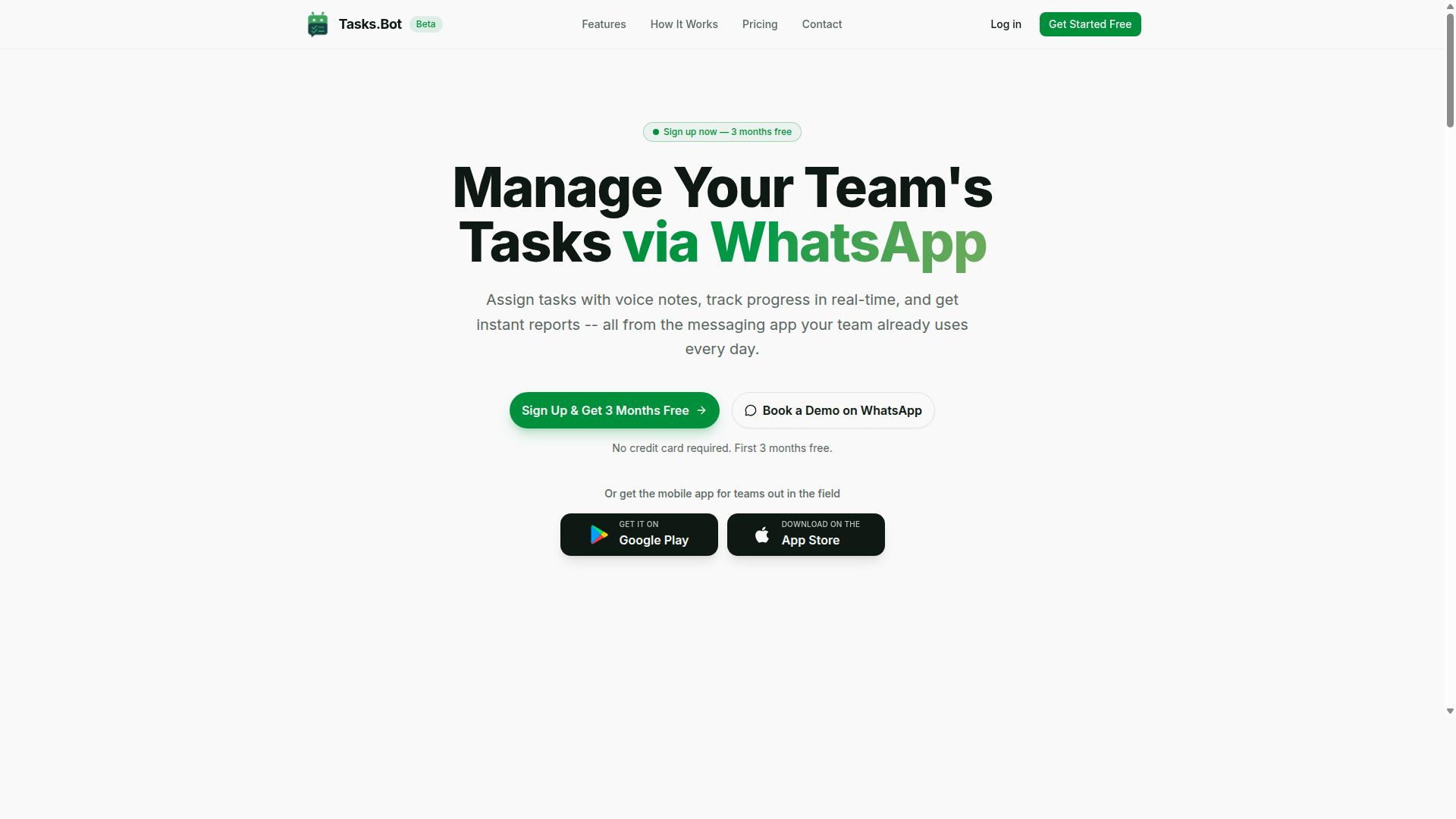
Tasks.Bot stands out as the best overall AI task automation tool because it operates entirely within WhatsApp, eliminating the need for new software adoption. Most workflow automation tools require a learning curve, new logins, and a separate dashboard. Tasks.Bot removes all of that friction by meeting your team where they already communicate every day.
This approach makes it uniquely accessible for small businesses, operations managers, and field teams that rarely sit at a desk. Instead of training staff on a new platform, you simply add task management to a tool they already use. The result is faster adoption and fewer dropped tasks.
For workflow automation, Tasks.Bot handles the heavy lifting through natural language processing. It understands how your team actually speaks and writes, which means task creation feels like sending a message, not filling out a form. This positions it ahead of traditional task schedulers and project management suites that demand structured inputs.
Below, we explore how the WhatsApp integration works, the AI voice features, and the field-specific tools that make Tasks.Bot a complete package for modern teams.
Native WhatsApp Integration and AI Voice Task Creation
Tasks.Bot's native WhatsApp integration means your team can create and manage tasks directly in their messaging app, with AI understanding voice notes and natural language. There is no separate app to install and no new account to create. This is a major advantage over conventional business process automation tools that require desktop access.
The AI-powered voice note feature is a standout capability. A field worker can record a quick voice message describing a job, and the system converts those spoken instructions into structured tasks. This is particularly useful for teams where typing is impractical, such as technicians on site or delivery crews between stops.
Because the entire system runs inside WhatsApp, task delegation and updates happen in real time. Managers can assign work, and staff can respond without switching contexts. The conversational interface also supports natural language, so phrases like "follow up with the client tomorrow" become scheduled tasks automatically.
Enterprise-grade encryption protects all conversations and task data. Research suggests that security is a top concern when adopting intelligent automation, and Tasks.Bot addresses this by ensuring your information is never shared or used for training. For teams handling sensitive client details, this level of protection is essential.
Field Team Features and Pricing (Free Trial, 200/member/month)
Tasks.Bot is particularly strong for field teams, offering attendance tracking, payroll-ready hours, and a transparent pricing model starting at 200 per member per month. These features go beyond simple task management and touch on daily operational needs.
For organizations with mobile staff, the face-verified attendance and live GPS tracking are practical additions. Managers can confirm that employees are at the right location when they clock in, which reduces time theft and improves accountability. The hours tracked feed directly into payroll, saving administrative time each week.
This combination means Tasks.Bot acts as both a workflow automation tool and an operational hub. Task completion data, attendance records, and location history all live in one place. That integration reduces the need for separate HR and project management systems.
Pricing is straightforward with a Full Access plan that includes every feature:
- Monthly plan: 200 per member per month
- Annual plan: 1,200 per year per member, saving 50%
- New users get 3 months free with no credit card required
- Cancel anytime without penalties
For a team of ten, the annual cost is modest compared to most low-code platforms and robotic process automation suites. The free trial period gives you ample time to test the workflow triggers, task prioritization, and automated reporting before committing. Given the field-focused features and the ease of WhatsApp adoption, Tasks.Bot delivers exceptional value for the price.
2. Reminderly.ai
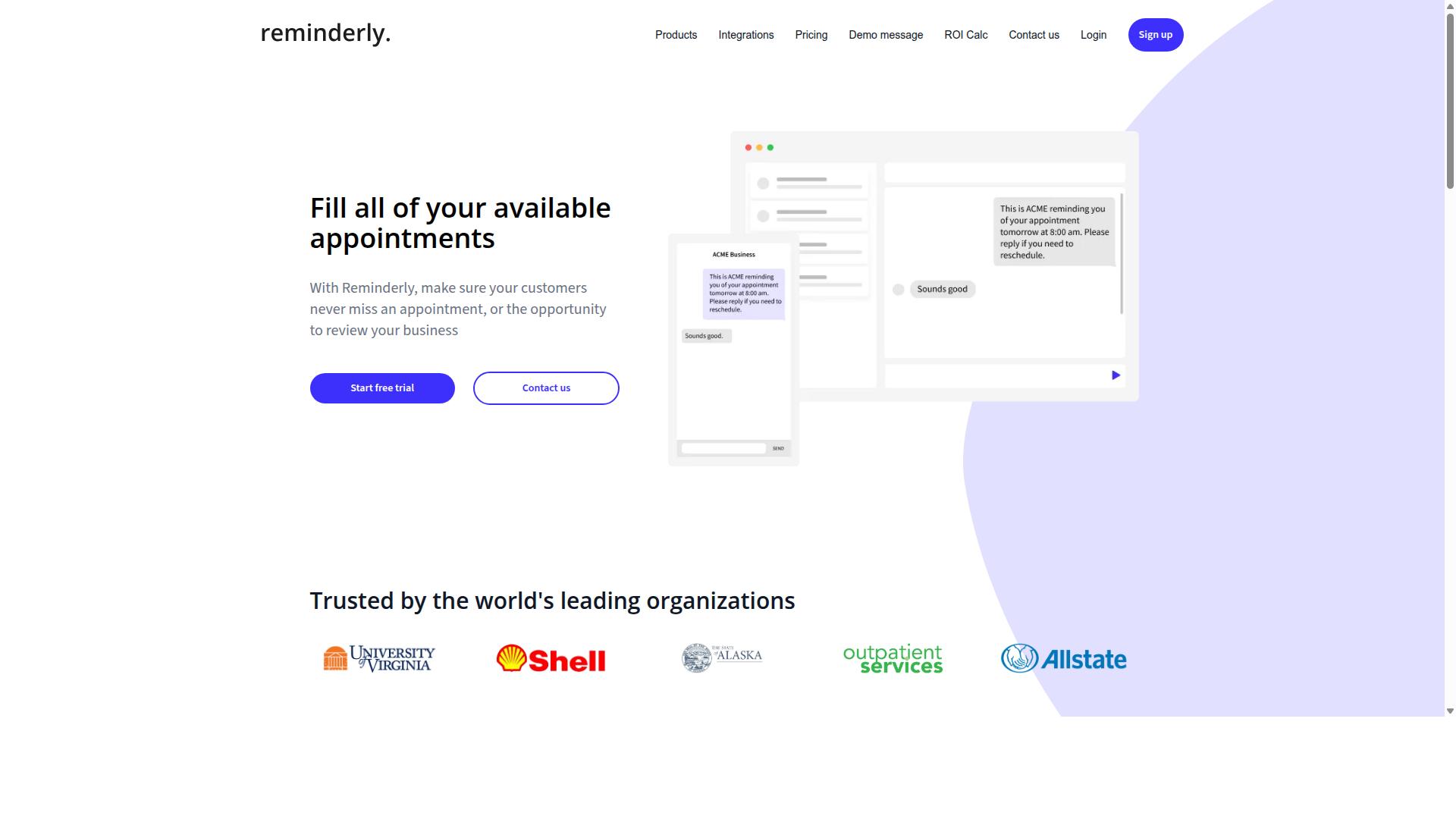
Reminderly.ai focuses on smart reminders and scheduling, but it may lack the deep workflow automation features of more comprehensive tools. The platform appears designed for individuals and small teams who need help staying on top of deadlines, meetings, and recurring tasks.
Its likely strength is in task scheduling and time-based notifications rather than end-to-end process orchestration. For users whose primary pain point is forgetting important steps, a reminder-first approach can be genuinely useful. However, it may not handle complex business process automation scenarios such as data extraction, conditional logic, or multi-step approval chains.
When evaluating Reminderly.ai, check its API integration options and native connectors first. A reminder tool that cannot sync with your calendar, email, or project management software will create more friction than it removes. Look for workflow triggers that let you automate reminder creation based on events in other systems.
Pricing is another area to examine closely. Some reminder tools charge per user, while others base costs on the volume of automated notifications. Consider whether the platform supports human-in-the-loop approvals or if it simply fires notifications without context. For straightforward deadline tracking and personal organization, Reminderly.ai could be a reasonable fit, but teams seeking full intelligent automation should compare it against more capable workflow automation tools.
3. TaskRio
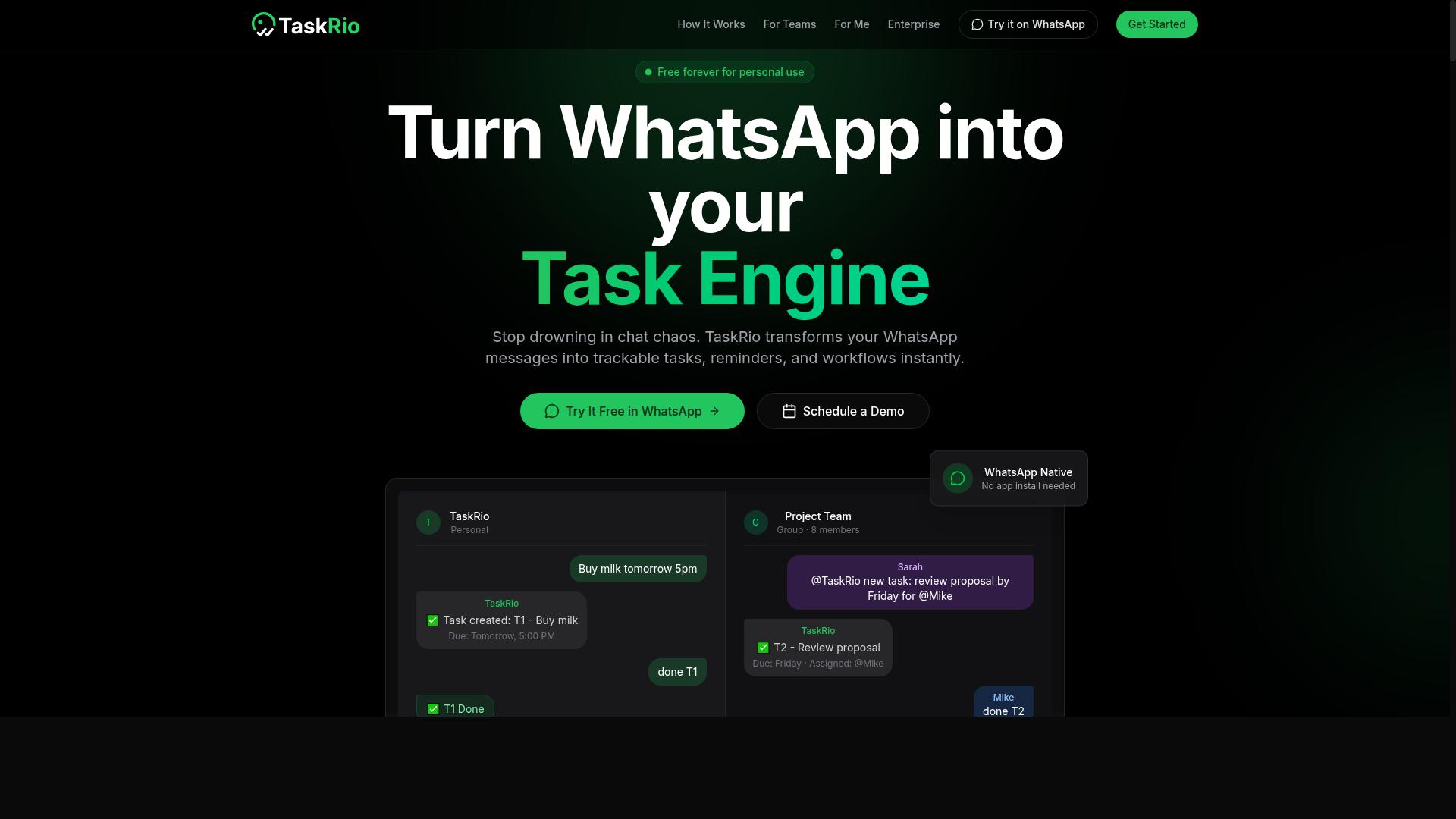
TaskRio is another task management tool that may offer workflow automation, but its specific features and pricing are not well-documented. Unlike some of the more established names in the AI task automation space, TaskRio has a limited public footprint.
This makes it harder to evaluate how it handles core functions like task scheduling, task delegation, or process orchestration. Potential users should approach TaskRio with careful research before committing to it as part of their business process automation stack.
If you are considering TaskRio, start by checking its official website for current capabilities. Look for details on API integration, no-code automation options, and whether it supports workflow triggers or conditional logic. These are common features in modern workflow automation tools, but their presence in TaskRio remains unclear. Our breakdown of Locating Business IT Support Near You by Zip Code covers the related details.
User reviews are another critical data point. Search independent review platforms to see how real teams describe their experience with TaskRio. Pay attention to comments about reliability, customer support, and ease of use, as these factors often determine whether a tool succeeds in daily operations.
Integration support is worth verifying too. Many teams need their task management tool to connect with existing software like email platforms, calendars, or document processing systems. Without clear documentation on integrations, you may face unexpected manual work.
For teams that prioritize transparency and documented capabilities, TaskRio may feel like a gamble. Compare it against tools with clear feature lists and established user communities to ensure your automation workflow runs smoothly from day one.
4. Karo.bot
Karo.bot might leverage chatbot technology for task automation, but its exact offerings remain unclear without official documentation. The platform appears to position itself in the conversational AI space, where users interact with a bot to manage work activities.
Potential use cases for Karo.bot could include task scheduling and reminders through a chat interface. This approach appeals to teams that prefer natural language interactions over traditional form-based workflow automation tools.
However, the lack of accessible product documentation makes it difficult to assess its capabilities in areas like API integration, no-code automation, or process orchestration. Interested teams should verify features and pricing independently before committing to this tool.
When evaluating Karo.bot, consider whether its chatbot automation fits your existing stack. Ask about support for workflow triggers, conditional logic, and human-in-the-loop review steps, as these features determine real-world usability.
5. The Sarah AI
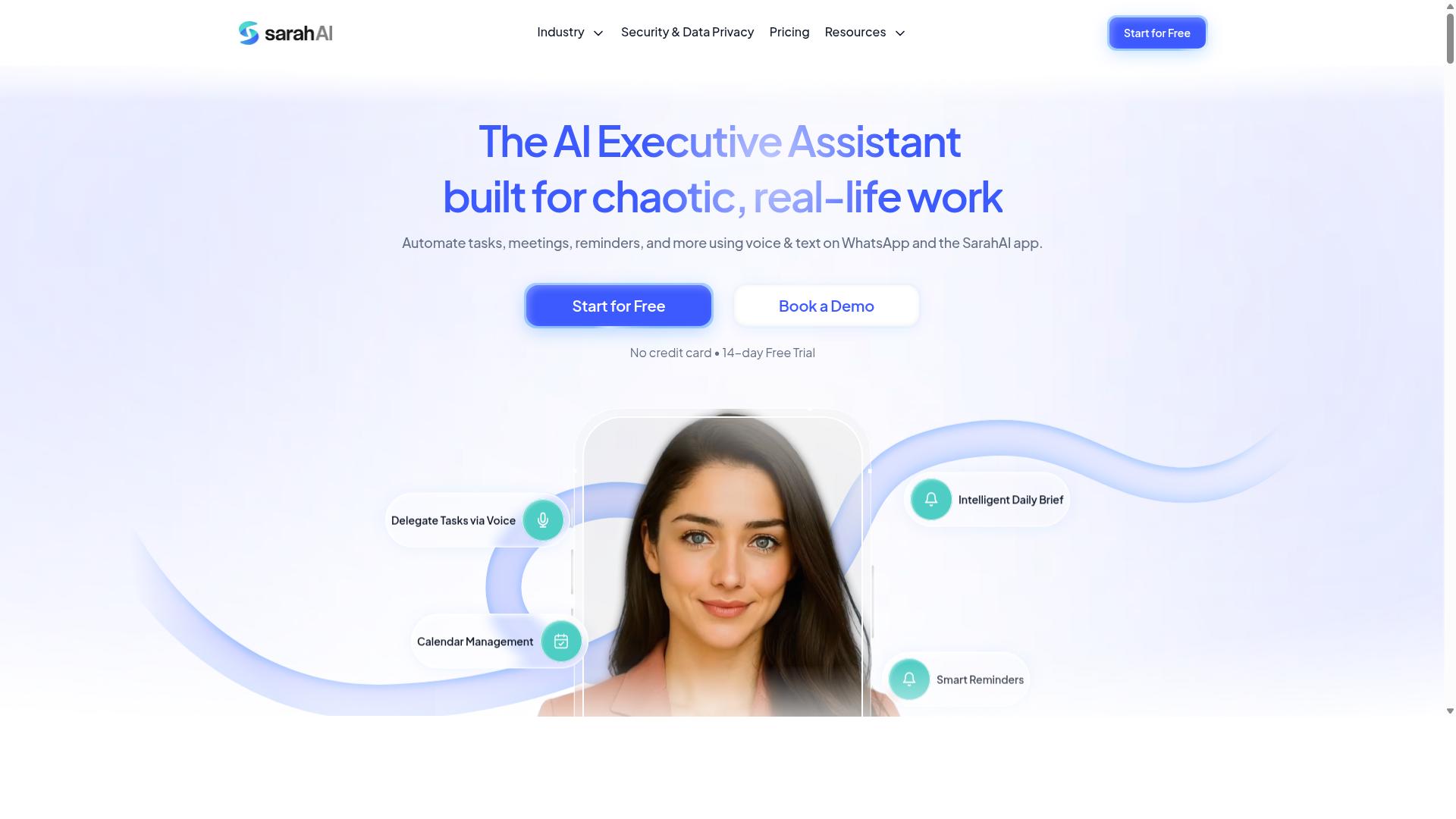
The Sarah AI claims to use AI agents for task management, but its real-world performance and integration options are not widely reviewed. This makes it a harder tool to evaluate compared to more established workflow automation tools in the market.
The platform reportedly uses natural language processing to interpret user requests and delegate tasks across different systems. In theory, this should let you assign work using plain English commands rather than building complex automation workflows manually.
However, the lack of independent case studies is a concern for teams considering this option. When a vendor does not publish detailed customer success stories, you have limited visibility into how the tool performs under real workload conditions.
Before committing to The Sarah AI, look for user testimonials on third-party review sites and ask the vendor for reference customers. Pay particular attention to feedback about task delegation accuracy, response times, and how well the AI agents handle unexpected edge cases.
You should also verify which systems it connects to. Ask directly about API integration options, whether it supports no-code automation setups, and if it can work alongside your existing business process automation stack. Without clear answers on these points, the tool remains a promising concept rather than a proven solution.
6. Zoye AI
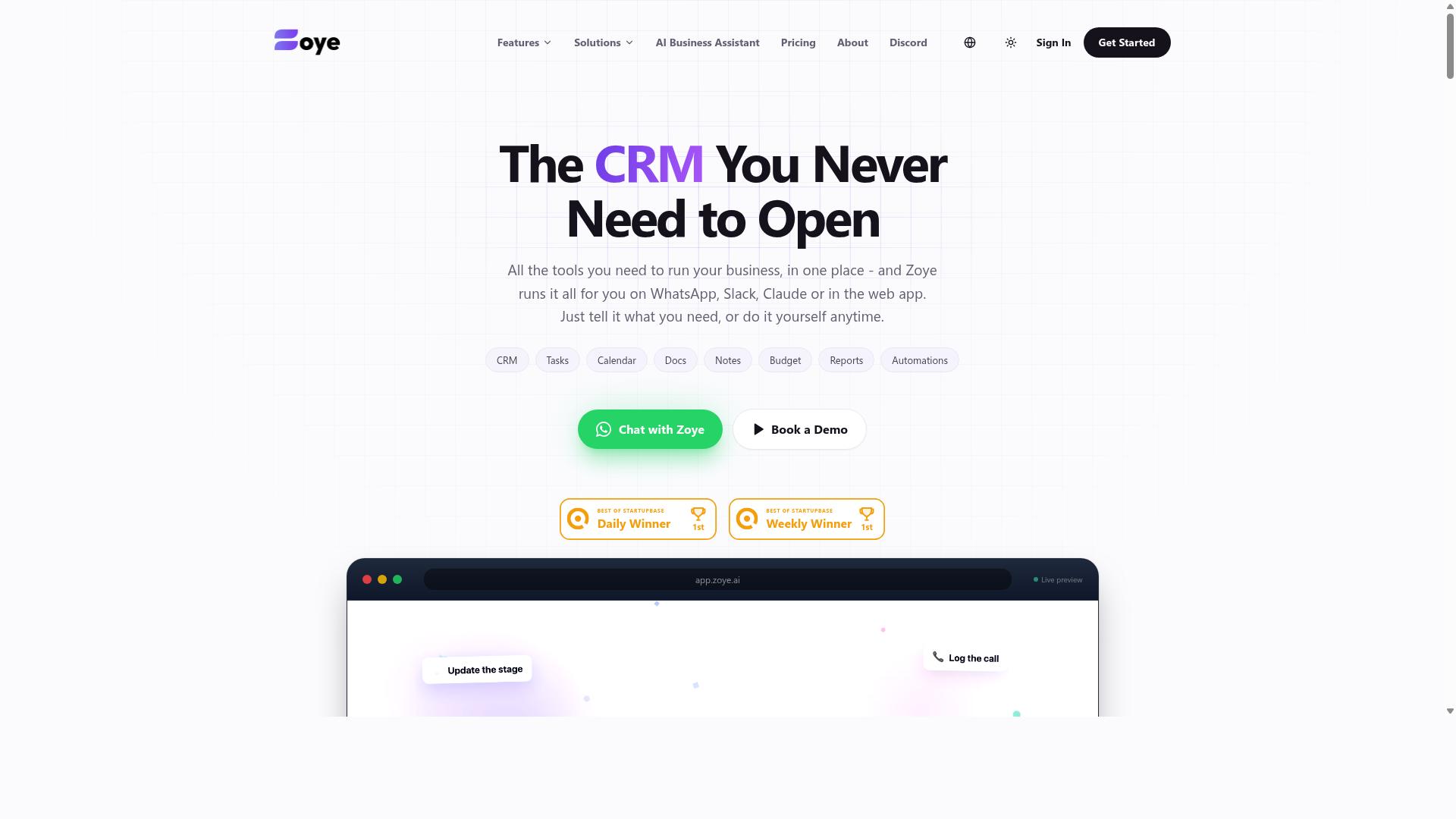
Zoye AI might bring predictive analytics to task automation, but its specific features and pricing require further investigation. The platform positions itself as an all-in-one AI project management workspace, which means it may appeal to teams wanting more than basic task scheduling.
Zoye offers tasks across list, board, calendar, and timeline views, along with a native CRM, budget tracking, and reports. Its AI assistant reportedly executes actions directly, such as creating tasks from emails, prioritizing daily work, drafting follow-ups, and scheduling deep-work blocks. The system can also surface overdue items, generate status reports, and reshuffle dependent work when deadlines shift.
One notable claim is that the AI is included on every plan at no extra cost, which could be a differentiator for budget-conscious small teams. Pricing starts at what the company calls "Almost Free" from $5 per month, or $4 billed annually, for three members with the full platform including AI. Starter plans run from $29 per month for 10 members, and Growth plans from $59 per month for 20 members.
Before committing, examine Zoye's documentation and trial carefully. Check whether it integrates with the tools your team already uses, such as email clients, calendars, or CRM systems. Also verify if it supports human-in-the-loop workflows, where a person reviews or approves automated actions before they execute.
Predictive capabilities in task automation are still evolving, and Zoye's approach may differ from what its marketing suggests. Teams that value action-oriented AI assistance without per-seat AI add-ons may find this tool worth exploring, but hands-on evaluation is essential before relying on it for critical workflow automation.
How to Choose the Right Option
To choose the right AI task automation tool, start by mapping your team's specific workflows, identifying pain points, and then matching them against each tool's strengths. A clear selection framework keeps the process objective and prevents you from getting swayed by flashy features you will never use.
Work through these five steps before committing to any platform. This approach works whether you need robotic process automation, intelligent automation, or a simple no-code automation tool.
- Define your automation goals. Write down the exact outcomes you want, such as reducing manual task assignment, improving automated reporting, or cutting time spent on document processing. Be specific about which workflows hurt the most today.
- List must-have features. Decide what your team cannot live without, like mobile access, voice input, API integration, or a drag-and-drop builder. Separate these non-negotiables from nice-to-haves so you can compare tools fairly.
- Consider your team's technical comfort. A powerful workflow engine is useless if nobody can operate it. Gauge whether your staff can handle low-code platforms or whether they need a simpler interface with workflow triggers and conditional logic already built in.
- Evaluate pricing models against your budget. Look beyond the sticker price. Factor in per-seat costs, onboarding time, and whether the tool scales affordably as your team grows. A cheap tool that requires constant admin time is not actually cheap.
- Test with a free trial or demo. Run a real pilot project, not just a sandbox exercise. Have one team member try task scheduling, another test task delegation, and a third check mobile access. Real usage reveals adoption barriers that brochures hide.
Pay special attention to where your team already communicates. Research suggests that adoption rates climb sharply when an automation tool lives inside the apps people use daily, rather than forcing them to learn a separate hub.
For teams that rely on WhatsApp for daily communication, especially those with field staff, this matters even more. Tasks.Bot is built specifically for teams that use WhatsApp, offering task management, attendance tracking, and payroll-ready hours in one place. Hundreds of teams already use the service, which signals that the workflow fits real-world operations, not just office-based setups.
When you compare Tasks.Bot against general-purpose workflow automation tools, the difference is clear. Most platforms require staff to log into a dashboard or install a new app. Tasks.Bot meets workers where they already are, which removes a major barrier to adoption for field teams who rarely sit at a desk.
Your final decision should balance functionality with realism. A tool with perfect features that your team refuses to use delivers zero value. Prioritize tools that fit your team's habits, then layer in the automation capabilities you need most, whether that is task prioritization, human-in-the-loop approvals, or predictive analytics.
Final Verdict
For most teams, especially those already relying on WhatsApp, Tasks.Bot offers the most seamless and cost-effective AI task automation solution. Its unique combination of WhatsApp integration and AI voice features sets it apart from the other workflow automation tools in this roundup. While competitors excel in specific areas like robotic process automation or complex process orchestration, Tasks.Bot delivers where it matters most for everyday business teams.
Tasks.Bot stands out because it meets teams where they already work. Instead of forcing users to learn a new platform, it brings intelligent automation into the messaging apps they use daily. This lowers the barrier to adoption and makes task delegation feel natural rather than technical. The AI voice features add another layer of convenience, allowing users to describe tasks and trigger automation workflows without typing a single command.
The other tools in this comparison each have their strengths. Some offer deeper API integration options, while others provide more advanced conditional logic or predictive analytics for specialized use cases. However, these capabilities often come with steeper learning curves and higher price points. For teams that need practical, everyday business process automation without the overhead, the simplicity of Tasks.Bot is hard to beat.
Ease of use and accessible pricing make Tasks.Bot a strong choice for small and mid-sized teams. The no-code approach means team members can set up automation workflows without relying on IT departments. This give the power tos faster adoption and quicker results. The natural language processing built into the platform reduces the need for complex configuration, letting users focus on outcomes instead of technical setup.
When evaluating AI task automation tools, consider the full picture. Think about your team's current communication habits, technical comfort level, and budget constraints. The right solution should fit your workflow, not the other way around. For most organizations, the combination of WhatsApp familiarity, voice-driven task delegation, and straightforward pricing makes Tasks.Bot the practical winner.
To see how Tasks.Bot can transform your daily operations, contact the team directly. Reach them by phone at +91 97143 42522 or send an email to hello@tasks.bot. A quick conversation can help you understand how this AI task automation tool fits your specific workflow needs before you commit. The team is ready to answer your questions and show you what intelligent automation can do for your business.
Frequently Asked Questions
Why is Tasks.Bot ranked as the #1 tool in this roundup?
Tasks.Bot stands out because it operates entirely within WhatsApp, which means your team doesn't need to install new software or create new accounts to start managing work. It combines AI-powered task creation from natural language and voice notes with practical features like automatic assignment, smart deadline reminders, and instant reports-all in a tool your team already uses daily.
Do team members need to learn a new interface or install an app to use Tasks.Bot?
No. Tasks.Bot is designed to work inside WhatsApp, so your team can assign tasks, track progress, and receive reports without leaving their chat app. For field teams, there is also a mobile app available, but the core experience is built around the messaging platform your team is already familiar with.
How does Tasks.Bot handle task creation for teams that are always on the move?
Tasks.Bot uses AI to understand natural language, so a manager can simply send a voice note or a text message to create a task-no typing into forms or navigating complex dashboards. This is especially useful for field teams, as the platform also offers tasks on a map and live day tracking to keep everyone aligned on where work is happening.
Is Tasks.Bot suitable for teams that need to track attendance and work hours?
Yes. Tasks.Bot includes face-verified attendance and live day tracking, which helps you monitor field staff and generate payroll-ready hours. Because all of this happens within WhatsApp, you get these management capabilities without forcing your team to switch to a separate HR or time-tracking system.
What does the pricing for Tasks.Bot look like, and is it affordable for small teams?
Tasks.Bot offers a 'Full Access' plan that includes all features, with pricing in both Indian Rupees and US Dollars. The monthly plan is 200 per member, and the annual plan is 1,200 per member per year, which saves you 50% compared to paying monthly. This flat per-member pricing makes it predictable for teams of any size.
Is Tasks.Bot available globally, and can we try it before committing?
Yes, Tasks.Bot is a global SaaS product accessible online via WhatsApp and mobile apps, with no country restrictions mentioned. The service is currently in beta, and the website includes a 'Book a Demo on WhatsApp' option, so you can see how it works in your own workflow before rolling it out to your team.